
Show up Confidently
on Camera
Learn to show up confidently on camera so you can grow your personal brand and attract clients faster.
Good news! I created this for you. 👇
Video Creator
5-Week 1-on-1 Coaching Program
When I first started making videos, they looked unprofessional, my camera presence was cringe-worthy, and I struggled with confidence.
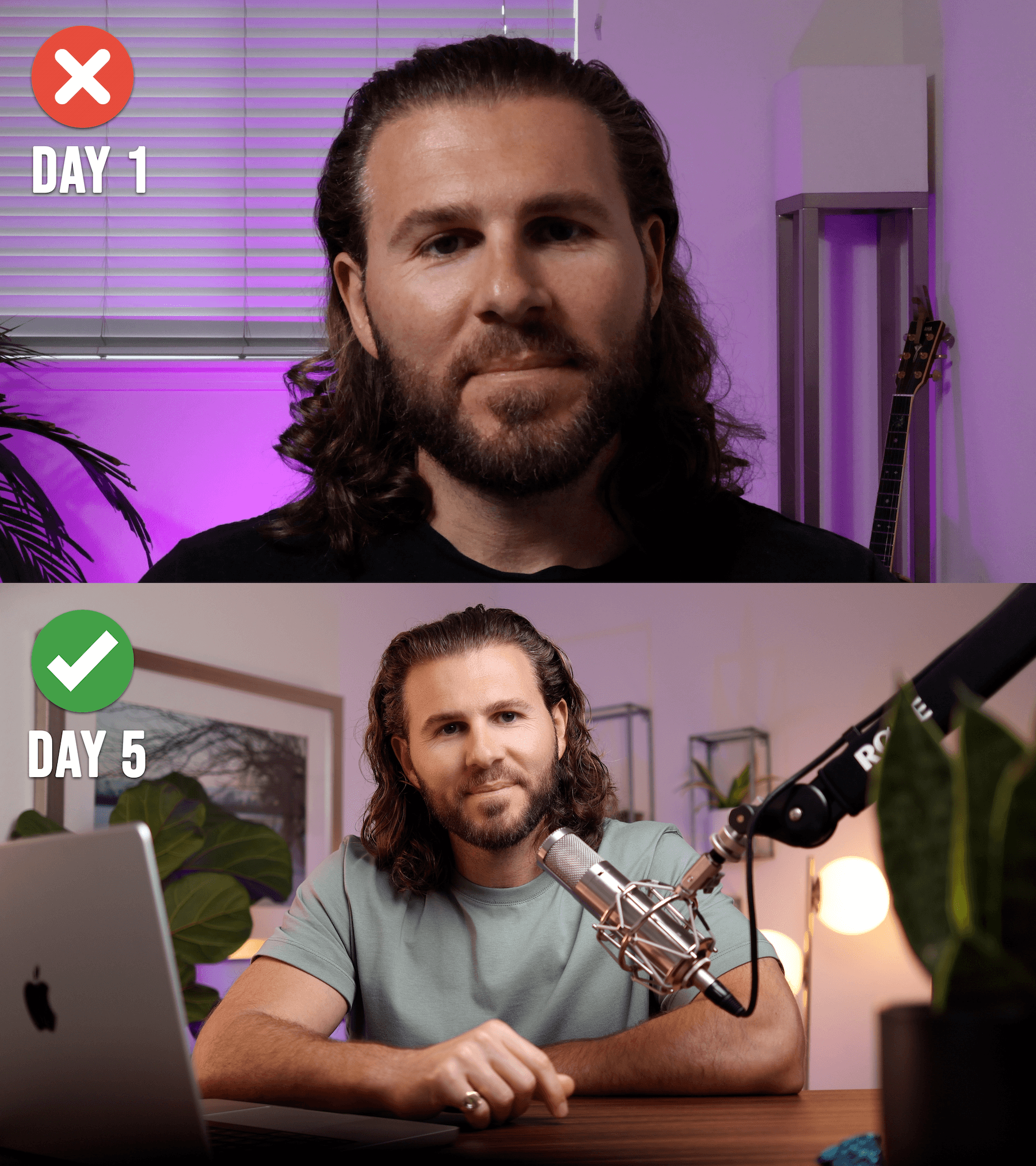
So, I learned framing, scripting, performance, and more. I bring all of that knowledge to my intensive 1-on-1 coaching program.
Now, in just 5 weeks, you can go from idea to polished, platform-ready video.
You'll get in-depth personalized feedback and walk away with a finished, professional video + the skills to make unlimited more.
Limited to 5 creators per month for personalized feedback.
Here's what you'll learn 🎉
Curriculum
Week 1
Vision, Goals & Setup
Theme: Get clear. Get focused. Get ready to film.
Live Call: 60 min
- Clarify the purpose of your video content and target audience
- Pick your target platform + video format
- Review script or outline structure
- Customize your setup (camera, mic, lighting, background)
- Avoid common technical pitfalls from the start
📥 Assignment: Record a short test clip for review
Week 2
Performance & Confidence On-Camera
Theme: Learn to show up like a pro, even if you’re new to video
Live Call: 45 min
- Pacing, tone, and energy adjustments
- Tips for overcoming camera awkwardness
- Prompts and mental shifts to stay natural and confident
📥 Assignment: Record a short test clip for review
Week 3
Feedback & Framing Fixes
Theme: Review your raw footage and refine your performance
Live Call: 45 min
- Watch clips together and offer personalized feedback
- Adjust framing, lighting, background, and delivery
- Tighten your script or rework the flow if needed
📥 Assignment: Record your final take
Week 4
Edit Like a Creator
Theme: Make your video shine
Live Call: 45 min
- Simple editing walkthrough: trim, pace, clean up
- Add text, subtitles, transitions, and background music
- Tools: CapCut (or your preferred editor)
📥 Assignment: Build your rough cut
Week 5
Final Polish & Repurposing Plan
Theme: Finalize your masterpiece + multiply your reach
Live Call: 60 min
- Optimize the final cut for your platform (YouTube, IG, etc.)
- Best practices for titles, thumbnails, captions
- Learn how to repurpose into reels, carousels, or shorts
📥 Assignment: Finish your edit and submit for review
Independent Work + Final Review
You finish your video and submit it for final written feedback.
- I’ll review your final upload and send a personalized critique within 48 hours
- You’ll also get a checklist and repeatable template to help you do it again on your own
- Plus, access to recordings of our video sessions for future reference
Learn to communicate your message clearly and confidently on camera and walk away with a finished, professional-quality video that represents your brand.
Limited to 5 creators per month for personalized feedback.
Got questions? 🤔
FAQs
What if I don't have any video equipment?
You don't need much to start. In Week 1, we'll figure out what you actually need based on your situation and budget. Most people can start with just their smartphone and a basic microphone. I'll help you avoid buying stuff you don't need.
How much time does this take each week?
Plan for 2-4 hours per week. That includes our live call, completing the assignment, and any revisions. Some weeks are lighter, some are heavier (editing week usually takes the most time). But this is about finally finishing a video, not adding another thing to ignore on your to-do list.
What if I'm really awkward on camera?
Everyone is at first. That's literally what Week 2 is for. We work on your on-camera presence together, and I give you specific feedback on what to adjust. By Week 3, you'll be way more comfortable. This isn't a "figure it out yourself" situation.
What if I can't make one of the scheduled calls?
We'll schedule calls that work for your timezone and availability. If something comes up, we can reschedule. All calls are recorded so you can reference them later anyway.
Do I need to know how to edit?
Nope. Week 4 is where I walk you through editing YOUR specific video. I'll show you the tools and techniques you need. We keep it simple — no complicated software required. Most people use CapCut (it's free).
What if I don't finish in 5 weeks?
The program is designed to be completed in 5 weeks, but you'll have access to all our call recordings afterward. If you need a bit more time to wrap up your final edit, that's fine — life happens. The goal is that you finish, not that you rush.
Is this for YouTube, Instagram, LinkedIn... what platform?
Whatever platform you want to create for. In Week 1, we discuss your goals and pick your target platform. The principles of good video work everywhere, but we'll optimize your specific video for wherever you plan to post it.
What kind of videos does this work for?
Educational content, thought leadership, talking-head videos, tutorials, personal brand content — basically anything where you're the person on camera sharing your expertise. This isn't for cinematic B-roll or highly produced commercial content.
What if I've already started making videos but they're not great?
Perfect. We'll look at what you've already done, identify what's holding you back, and fix it. Sometimes it's one small technical thing that makes all the difference. You might be closer than you think.
Is there a refund policy?
If you show up to the calls, do the assignments, and still don't have a finished video you're proud of by the end, I'll refund you. I'm confident this works if you put in the effort.
Ready to take your videos and brand to the next level?
Limited to 5 creators per month for personalized feedback.
Still not sure? 😅
Schedule a Call ☎️
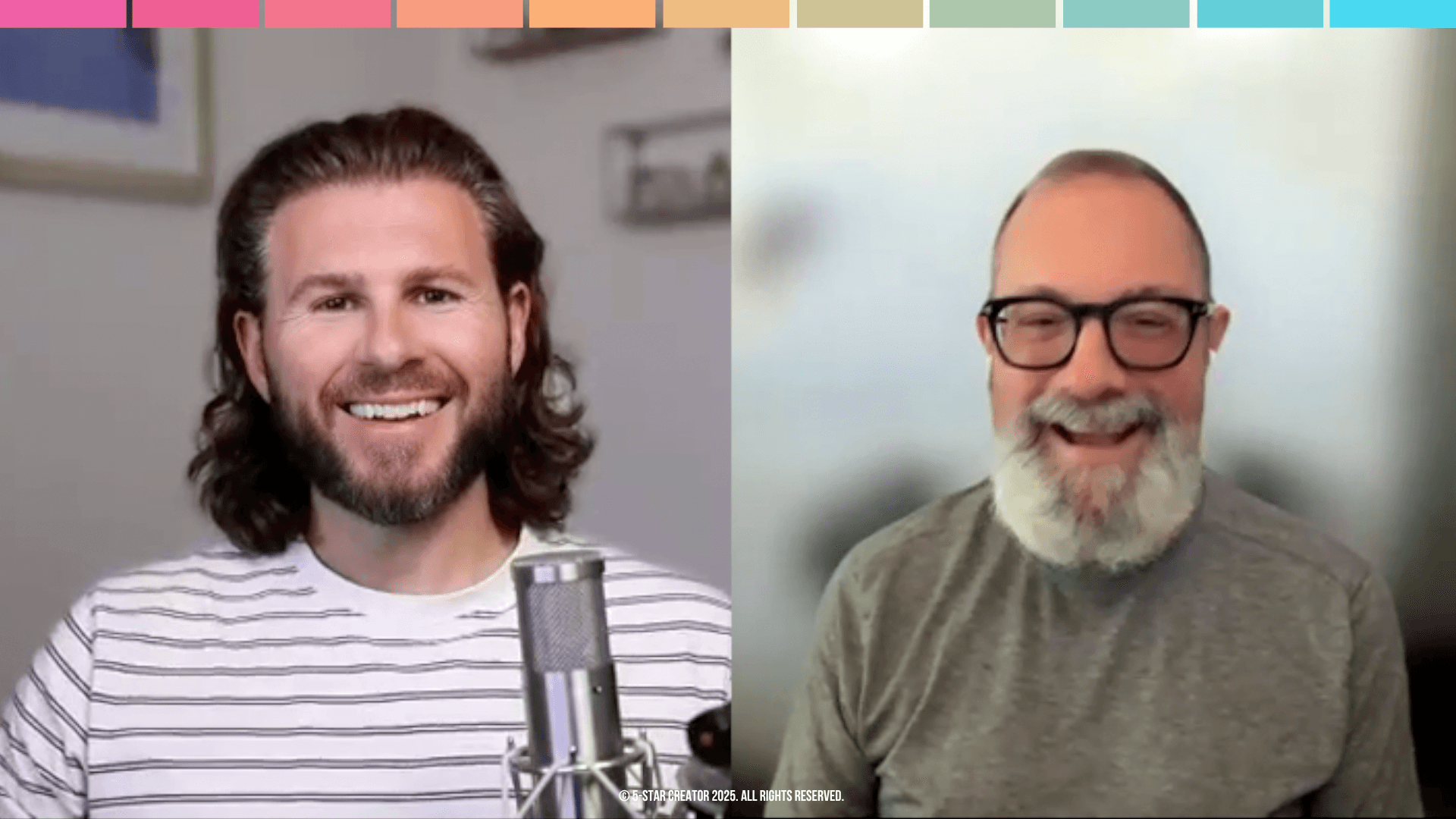
Not sure if Video Creator is right for you? Let's talk.
Book a 15-minute call and we'll discuss your video goals, what's been holding you back, and whether this program is a good fit for your situation.
No pressure. Just an honest conversation about whether I can help you.